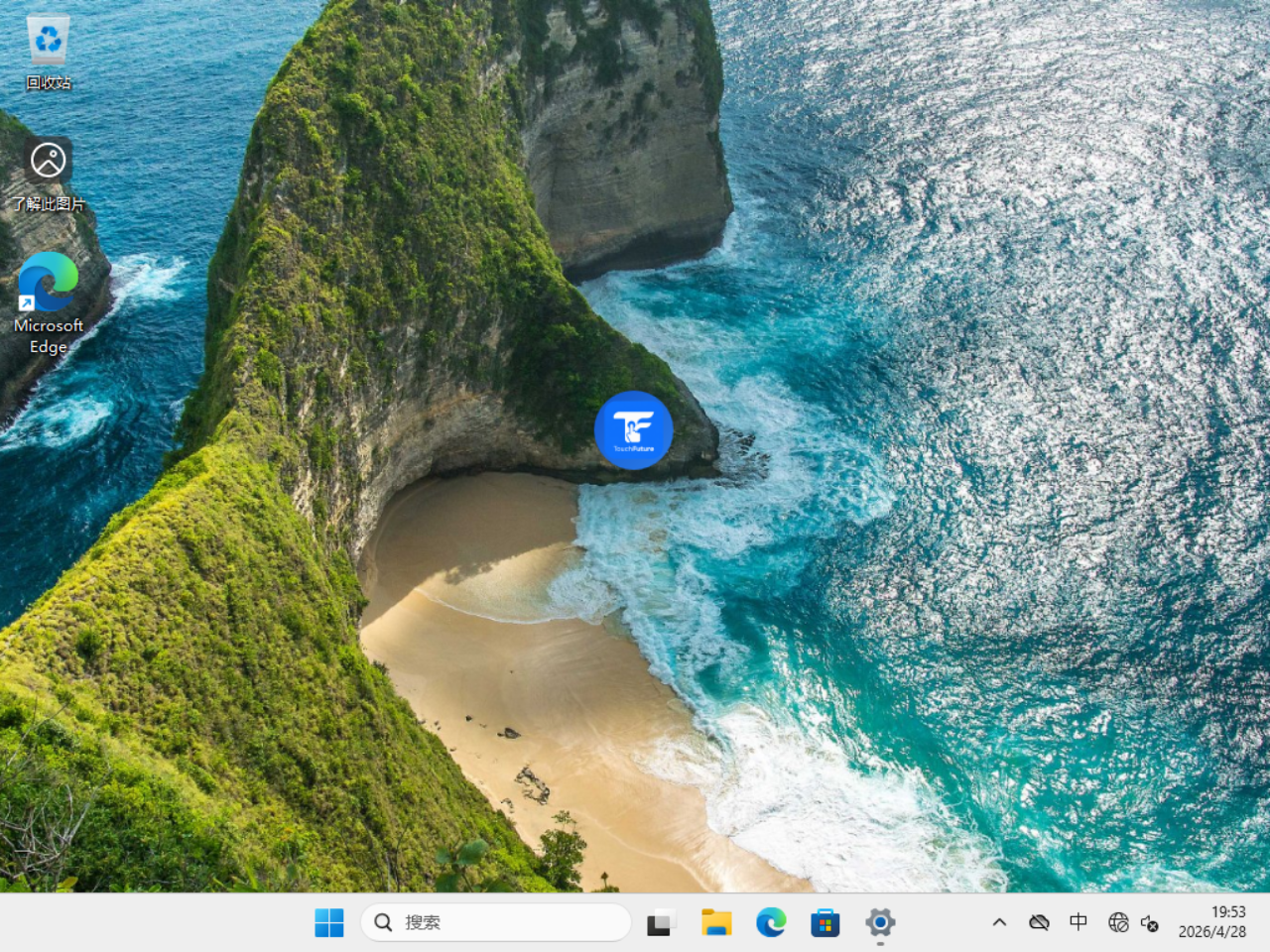
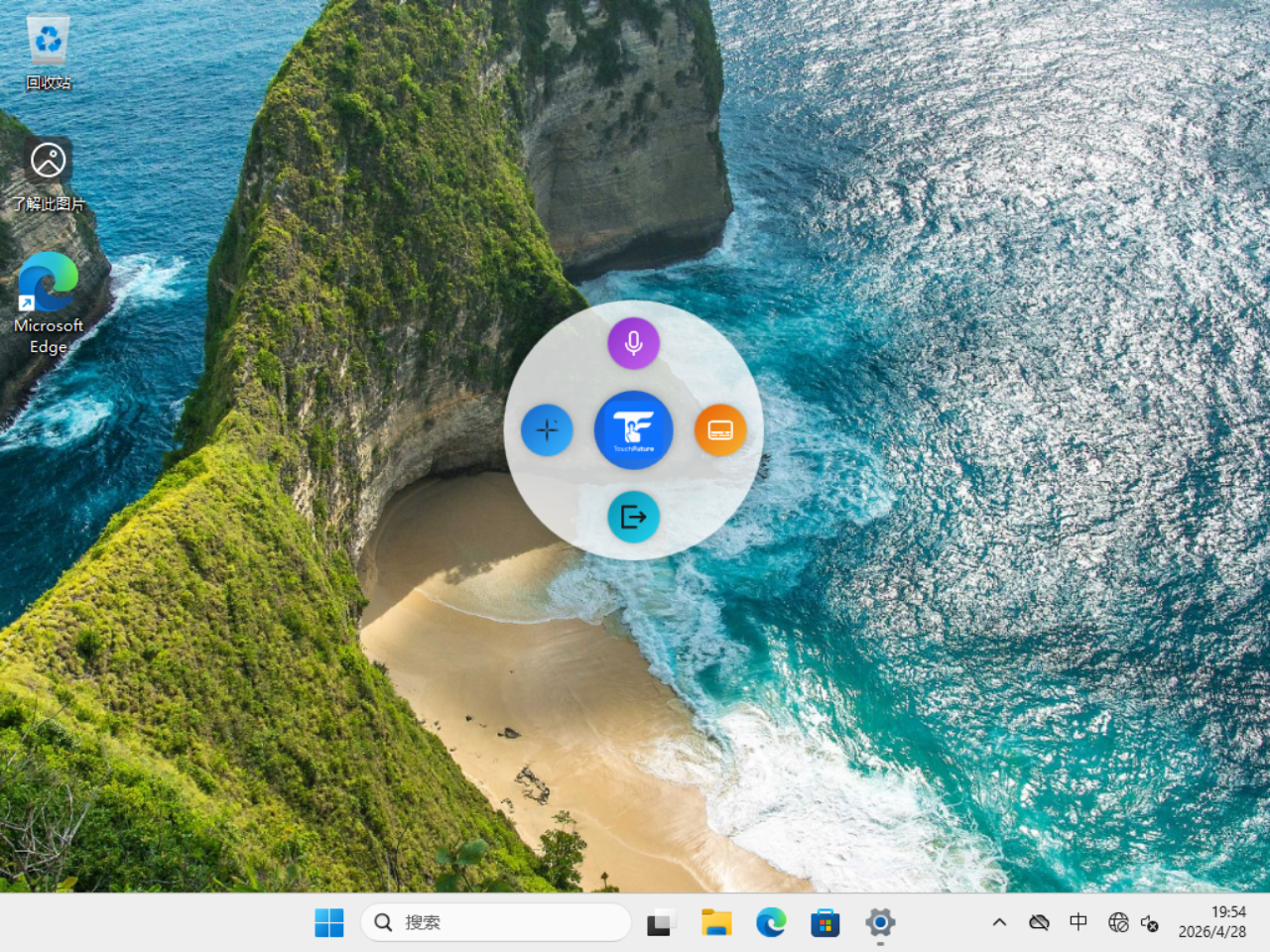
A lightweight, always-on-top assistant that puts Windows 11's best features at your fingertips — literally.
Voice Typing
Instantly activate Windows 11's built-in voice input without lifting your hands from the tablet.
Win + H
Copilot Launcher
Open Microsoft Copilot instantly, or hold for 2 seconds to jump straight into voice conversation mode.
Win + C
Live Captions
Toggle real-time on-screen captions for any audio playing on your device — great for meetings and videos.
Win + Ctrl + L
Fluent Design
Mica on Windows 11, Acrylic fallback on Windows 10. Auto light/dark theme, system accent color, smooth animations.
Touch & Stylus Ready
Finger touch, stylus, and mouse all work natively. A 5 px drag threshold keeps tap and drag distinct and reliable.
Always on Top
The floating button stays above all windows and can be dragged to any corner of your screen.